A night out, without the download
Picture it from the fan's side. A message arrives from the venue, under its own name and logo, marked as a verified sender. It opens with a 20-second clip of the headliner and a carousel of the next six shows. The fan swipes, taps "See seats," and a seating map slides up over the conversation. They pick two seats, add a parking pass, and pay on the venue's own checkout page. The map closes. A confirmation card is waiting in the thread.
On the night of the event, the same conversation delivers the tickets, the gate, and a map pin to the right parking lot. At halftime the fan taps "Shop," browses jerseys in a carousel, and orders one for pickup at the stand behind section 112. They ask where the nearest elevator is, and get an answer. After the show, their points balance updates and an early-access link for the next presale arrives.
Nothing in that story required the fan to find an app store, download anything, create a password, or decide whether to allow notifications. It happened in the messaging app that was already on their phone, the one they open dozens of times a day.
Every piece of it can be built today from two things: an RCS multimedia conversation, and the venue's existing ticketing, payment, and loyalty systems.
How much of your app actually needs to be an app?
Businesses built branded apps for good reasons. A decade ago, an app was the only way to put your brand on a customer's home screen and keep it there. It was where you could send notifications, run a loyalty program, take bookings, process purchases, show account details, and answer questions. The mobile web was clumsy, and a text message was 160 characters from a number nobody recognized.
So the industry adopted a reflex: if the relationship matters, build an app.
Look at what that reflex asks of your customer before they can use a single feature:
- Find the app.
- Download it.
- Register, or remember a login.
- Agree to notifications.
- Remember to come back.
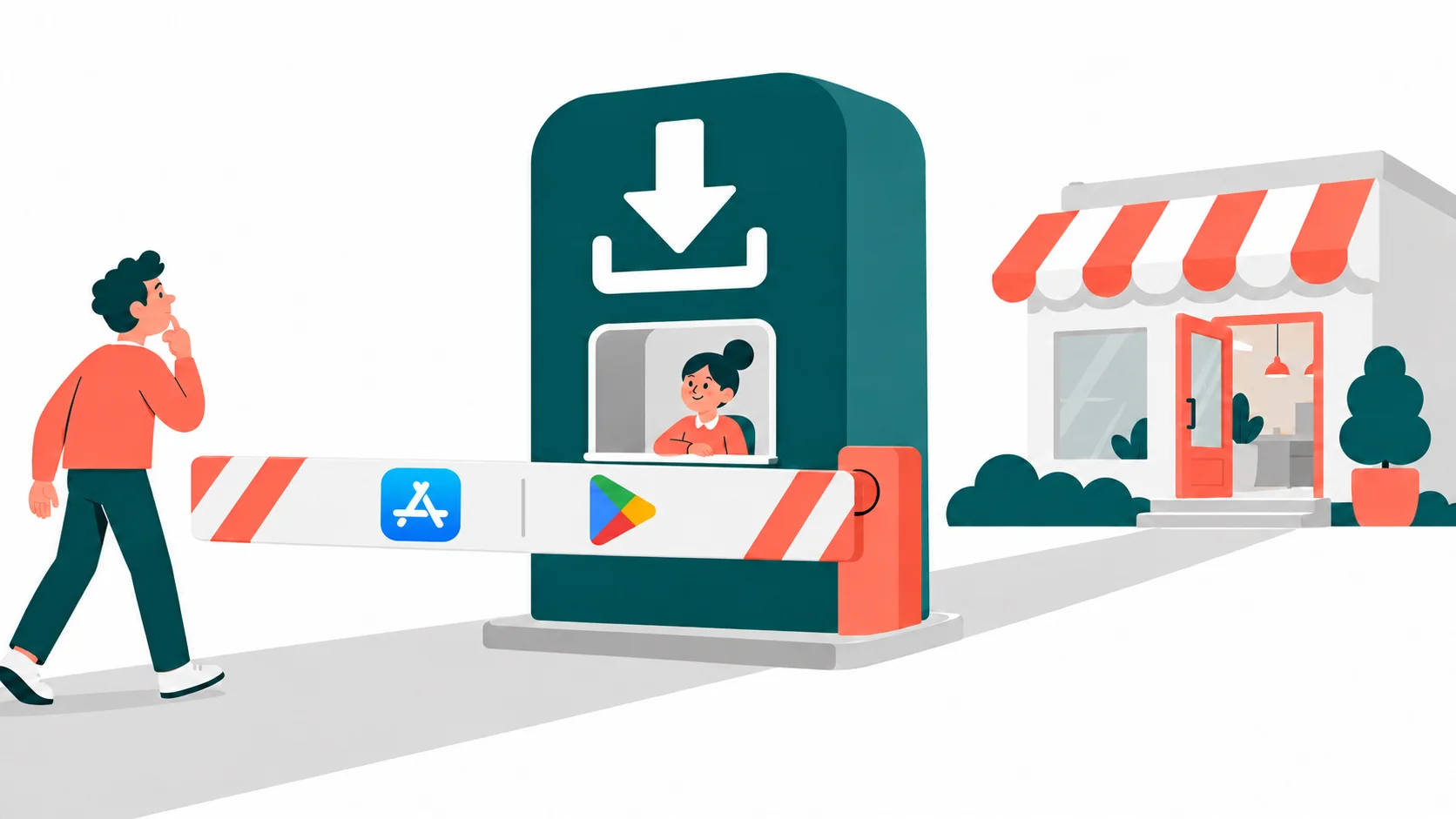
Every one of those steps is a place where a customer you already paid to acquire can walk away. The app is not the relationship. It is a toll booth in front of the relationship.
Brands like to believe their app will be used all the time. Mostly, that is wishful thinking. Most apps are rarely opened. Scroll through any phone and you will find rows of icons that haven't been tapped in months, and a few the owner couldn't tell you the purpose of. Each one cost somebody real money to build.
The rule should be simple: build a mobile app when only a mobile app can do the job. If the job can be done with RCS, do it there. If your messaging volume ever makes an app the cheaper option, your usage data will show it. It rarely does. Nobody wants another app on their phone, except the people who get paid to build them.
The download was never the finish line
Getting the install feels like a win. The data says it is barely a start.
- Seven in a hundred. Adjust, a measurement firm that tracks installs and usage for thousands of apps, puts the median day-30 retention rate across all apps at 7%. Out of every 100 people who install the average app, only seven are still opening it 30 days later. In North America, it is five.[1] It is not a new problem. A decade ago, Andrew Chen's analysis of more than 125 million Android phones, using data from the analytics firm Quettra, found the average app had lost more than 95% of its daily users within three months.[2]
- Gone within a month. Many people don't just stop opening the app. They delete it. AppsFlyer's 2025 uninstall report found that the average Android app was uninstalled by 46.1% of the people who installed it within 30 days, in 2024.[3]
Put the two numbers together. About half of the people who install an app delete it within a month. Most of the rest leave it on the phone, unopened, adding clutter. The icon stays. The relationship doesn't.
Now connect that to the business. A company spends money on advertising, promotions, and sales to win a customer. Then, before that customer can book, buy, or redeem anything, it adds another adoption step and pays again to drive downloads. Then it watches most of those downloads go dark. The company is paying twice to reach someone who has already said yes.
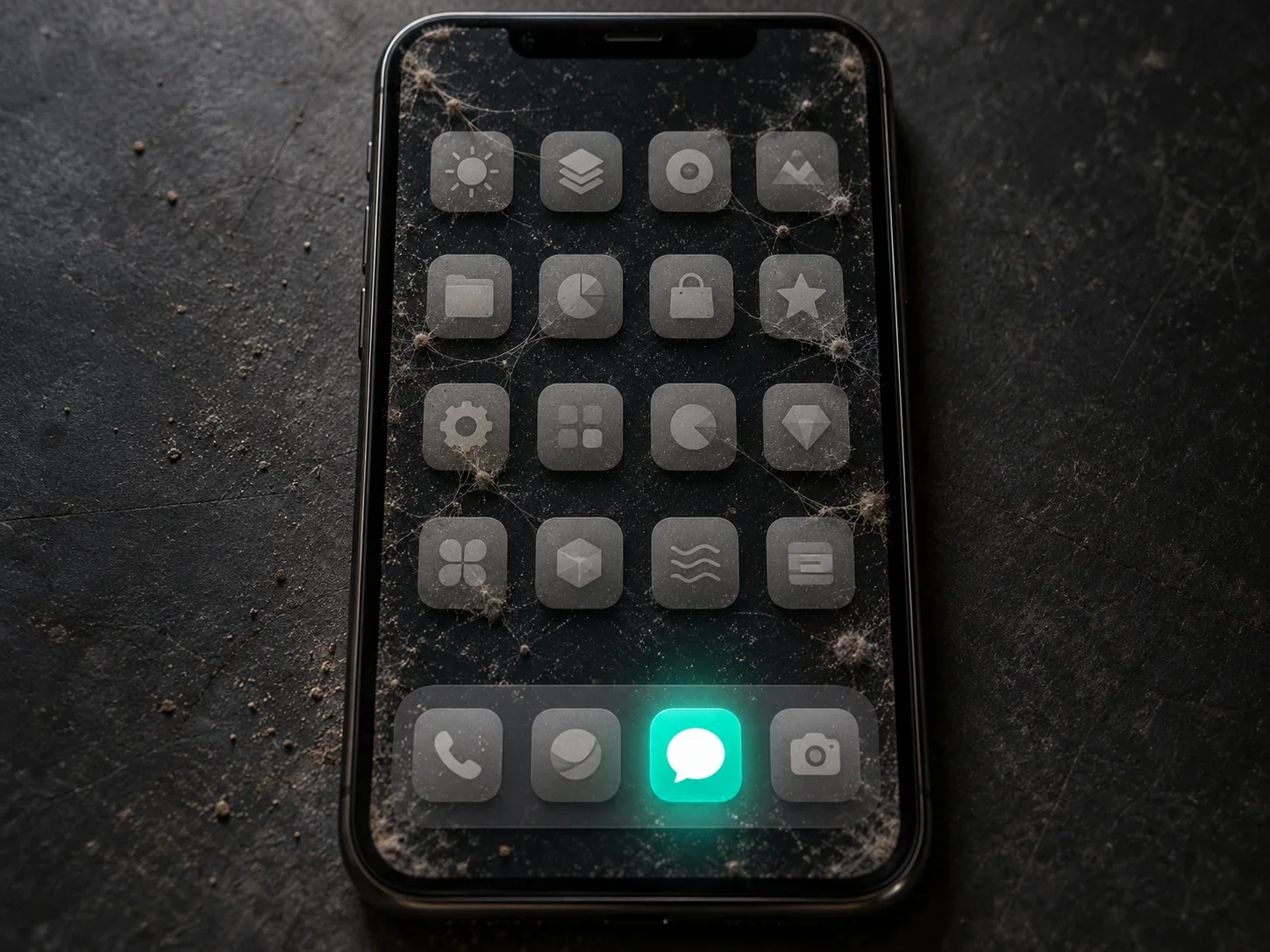
Meanwhile, there is one app your customers never have to install and never forget to open: the one they text with.
What RCS can actually do
RCS (Rich Communication Services) is the carrier messaging standard succeeding SMS inside phones' built-in messaging apps. On Android it runs in Google Messages; on iPhone, in Apple's Messages app.[4] No download is required.
For a business, RCS is not "texting with pictures." It is three components that work together:
- Branded RCS conversation: a recognizable, verified sender identity, plus notifications, questions, responses, confirmations, and assistance.
- Multimedia RCS: images, video, rich cards, carousels, suggested replies, and action buttons.
- Embedded web experience: seat selection, booking calendars, detailed catalogs, forms, account screens, and checkout.
The multimedia layer does more of the work than most people expect. A single rich card can carry an image or video, a title, a description, and up to four suggested replies or actions. Up to ten cards can sit side by side in a carousel the customer swipes through.[5] Buttons can open a page, start a call, share a location, or add an event to a calendar. That is enough to browse a menu, compare hotel rooms, preview a concert, or pick a class time without leaving the thread.
When a task needs more than a card, such as a seating chart, a calendar with live availability, or a checkout, a button opens a web page inside the messaging app, at full, half, or three-quarter screen height.[6] The customer completes the task, the page closes, and they are back in the thread, where the confirmation and receipt arrive. The page is your existing web booking flow or catalog, served from your own site, so you update it once and every customer sees the change, with no app-store review. If a device can't show the embedded view, the page opens in the browser instead.[6]
Customers don't type keywords or copy unfamiliar links. They watch, swipe, and tap, to a brand they can verify.
A whole relationship in one conversation: the hotel stay
The concert was a run of touch points over a single night. A hotel stay shows the same conversation carrying a relationship over months, from the first booking to the next one.
- Loyalty. The conversation opens with the guest's points balance and how close she is to a free night, pulled from the hotel's loyalty system.
- Booking. She taps "Plan a stay," swipes through a carousel of rooms and weekend packages, picks one, and books on a half-screen calendar showing live availability from the reservation system.
- Before arrival. Two days out, the hotel asks about her preferences: arrival time, pillow type, whether she wants a dinner reservation. Each answer is a tap.
- Check-in. On the day, she gets check-in instructions, her room details, and a map pin for parking.
- Concierge. She asks when the pool closes and whether the restaurant has a vegan option. An AI concierge, working from the hotel's own information, answers.
- A person, when it matters. A late-checkout request and a billing question need a human. She reaches the front desk in the same thread, or taps the call button.
- Upgrades. A carousel of spa packages appears. She chooses one, picks a time, and pays on the hotel's checkout page without leaving the conversation.
- After departure. The hotel asks for feedback, offers a rate for her next stay, and updates her points. The next conversation starts where this one ended.
Look at what did the work. The reservation system checked availability and created the booking. The payment system took the money. The loyalty system tracked the points. The property's information fed the concierge. The front desk's inbox handled the exceptions. RCS didn't replace any of those systems. It replaced the app that used to sit in front of them.
The economics of owning an app
Most conversations about app cost stop at the build. That is the cheaper half of the story.
What it costs to build:
- Observed project data. Clutch, which collects verified reviews from clients of development firms, puts the average mobile app project at about $90,780. Most reviewed projects fall between $10,000 and $49,999.[7]
- Agency estimates. GoodFirms estimates $15,000 to $40,000 for a basic app and $40,000 to $120,000 for a mid-level app.[8]
What it costs to keep:
- Maintenance estimates. Chop Dawg, a development agency, estimates annual maintenance at $5,000 to $10,000 for a small app, $15,000 to $50,000 for a mid-size app, and $100,000 to $500,000 or more for enterprise systems. It puts typical maintenance at 15% to 20% of the original build cost every year.[9]
These are estimates and ranges, not quotes. But the direction is clear: the build is a one-time bill, and the maintenance is a subscription you can't cancel. It covers device testing, new iOS and Android releases, app-store submissions, crash monitoring, and customers who can't log in.
Moving suitable functions to RCS doesn't make all of that disappear. You still need your booking system, your payment processing, your loyalty database, and the web pages your conversation opens. What you no longer need is the native mobile client itself: the separate iOS and Android apps, and everything it costs to keep them alive.
The contract ends. The responsibility doesn't.
Here is the uncomfortable part of app ownership. An app can look perfectly functional on the day it ships and for months afterward, while underneath it, things fall behind. A library it depends on gets a security advisory. An SDK is deprecated. An operating system update changes a permission. An integration's API changes version. The app still opens. It still looks fine. It just isn't fine.
OWASP, the open security community whose Top 10 lists are a standard industry reference, ranks inadequate supply-chain security among the top risks for mobile apps. Attackers can exploit vulnerabilities in the third-party libraries and SDKs an app is built on, especially when those components aren't vetted or kept up to date.[10] Every app a business ships is a bundle of other people's code that the business is now responsible for patching, on two platforms, indefinitely.
Move the function to RCS and that bundle goes away. Your back-end systems still need looking after. The app you no longer ship does not.
How it works, and where to start
The architecture is simpler than an app. A customer replies or taps a button. The response reaches the business's software through a webhook. That software checks availability, updates an order, or retrieves a loyalty balance, then sends the result back through RCS. You skip distributing a native app, but not the groundwork: each RCS business sender goes through brand verification and carrier approval before launch,[11] and you still need customers' consent to message them.
Start with what customers actually use your app for. Use your analytics, not your roadmap. For most businesses, a handful of functions account for nearly all of the use, and each one maps to something RCS already does:
- Reorder a favorite or check a rewards balance: a card with the balance and a one-tap "Your usual?" button.
- Book, reserve, or join a waitlist: a carousel of options, then a half-screen calendar, and a message when a spot opens.
- Browse and buy: product carousels, a pickup or delivery choice, and checkout on your own page.
- Track an order or appointment: status cards, a map pin, and an "order ready" message.
- Approve an estimate: a technician's video, an itemized quote, and an authenticated approval button.
- Ask a question: an AI assistant answering from your own information, under your verified name.
- Talk to a person: a handoff to your team's inbox in the same thread, or a call button.
Be honest about what genuinely needs an app. Functions that must work offline, need continuous access to device hardware or background location, or depend on demanding real-time interaction, such as games, navigation, or media creation, may belong in one. Keep them there.
Then pilot one complete journey, not a single message: booking through confirmation, or order through pickup. Measure outcomes rather than opens: completed purchases, bookings, redemptions, resolved questions, repeat business. And plan for fallback. RCS availability depends on the customer's phone, messaging app, and carrier,[4] so customers who can't receive it should still get an SMS or MMS that names your business and links to a domain they recognize.
This is what we built SimplyRCS to do. It runs the campaigns and the conversations that follow them, connects a tap to your booking, order, or loyalty system, falls back to SMS automatically for phones without RCS, answers open-ended questions with AI bots grounded in your information, and routes the rest to a team inbox where a person picks up the thread. The messaging software is free, with no subscription or per-seat fees. We would rather you spend your budget on the systems that run your business than on another app to put in front of them.
References
- Adjust. Prashansa Shrestha, "What makes a good app retention rate?" (median day-30 retention across all verticals and platforms: 7%; North America: 5%). 16 April 2024. adjust.com
- Andrew Chen. "New data shows losing 80% of mobile users is normal, and why the best apps do better" (data from Quettra, more than 125 million Android devices). 2016. andrewchen.com
- AppsFlyer. "App uninstall report, 2025 edition" (average per-app uninstall rate within 30 days of install, Android, 2024). appsflyer.com
- Apple Support. "Turn on RCS messaging on iPhone." 11 May 2026. support.apple.com
- Google for Developers. "Rich cards," RCS for Business. developers.google.com
- Google for Developers. "Send messages: Open a URL with webview," RCS for Business. developers.google.com
- Clutch. "Mobile App Development Pricing Guide." Updated 21 September 2026. clutch.co
- GoodFirms. "How Much Does It Cost to Develop an App in 2026?" goodfirms.co
- Chop Dawg. "Post-launch app maintenance: what it really costs and what to expect year over year." 6 June 2026. chopdawg.com
- OWASP. "M2: Inadequate Supply Chain Security," OWASP Mobile Top 10 (2023). owasp.github.io
- Google for Developers. "Brand verification," RCS for Business. developers.google.com